Learn how to login to your website’s Quick Admin Dashboard.
Table Of Contents
LOGIN LINK #
The login URL for your website’s Administration area was provided to you in an email.
LOGIN SCREEN #
When you access the site while not logged, you will see this screen:
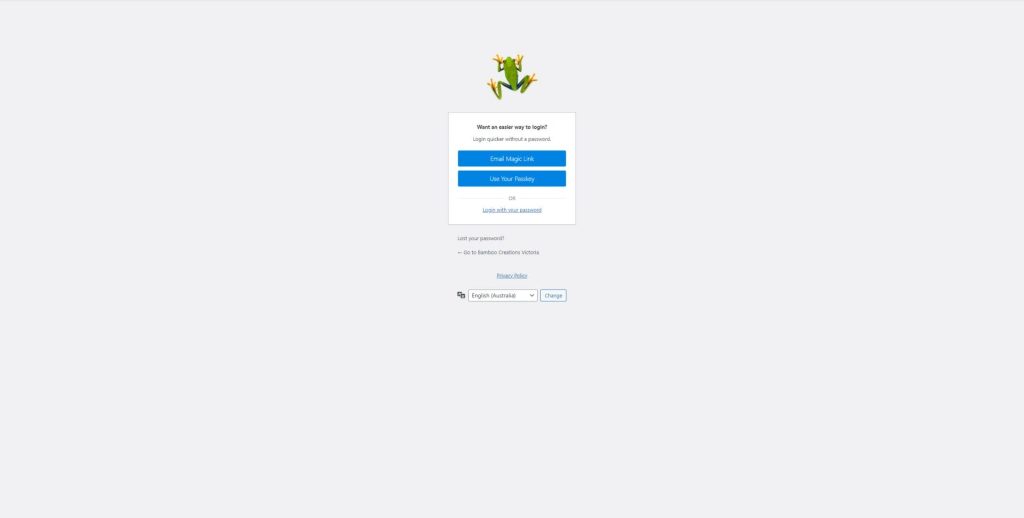
There are 3 options available for login via the screen and you would have set these up when you first access your Admin account:
- Email Magic Link – this will send an automated email with an access code to your registered Admin email address.
- Use Your Passkey – this would mainly be for devices that have biometric (fingerprint or face recognition) and requires registration of those devices in your Admin account.
- Login with your password – this will take you to a login screen with fields for your username and password. Using this method will also require the use of 2FA (Two Factor Authentication) which requires setup at first login.
If you have issues logging in due to lost password, you can also click the “Lost your password?” link.


